SCREENSHOT
REDACTION
Redact secrets from screenshots. Native on Linux.
Capture a region with Ctrl+Shift+2 — or paste a screenshot — and Blackbar finds IPs, hostnames, API keys, JWTs, hashes and connection strings and destroys the pixels: not a blur you can undo, an opaque burn into a fresh bitmap with every scrap of metadata stripped. Runs entirely on your machine. No account, no telemetry, no network calls.
Seven secrets, boxed in one pass.
Consistent session pseudonyms — the same value becomes the same label ([IP-1], [HOST-1], [AWSKEY-1]) across every screenshot in a report.
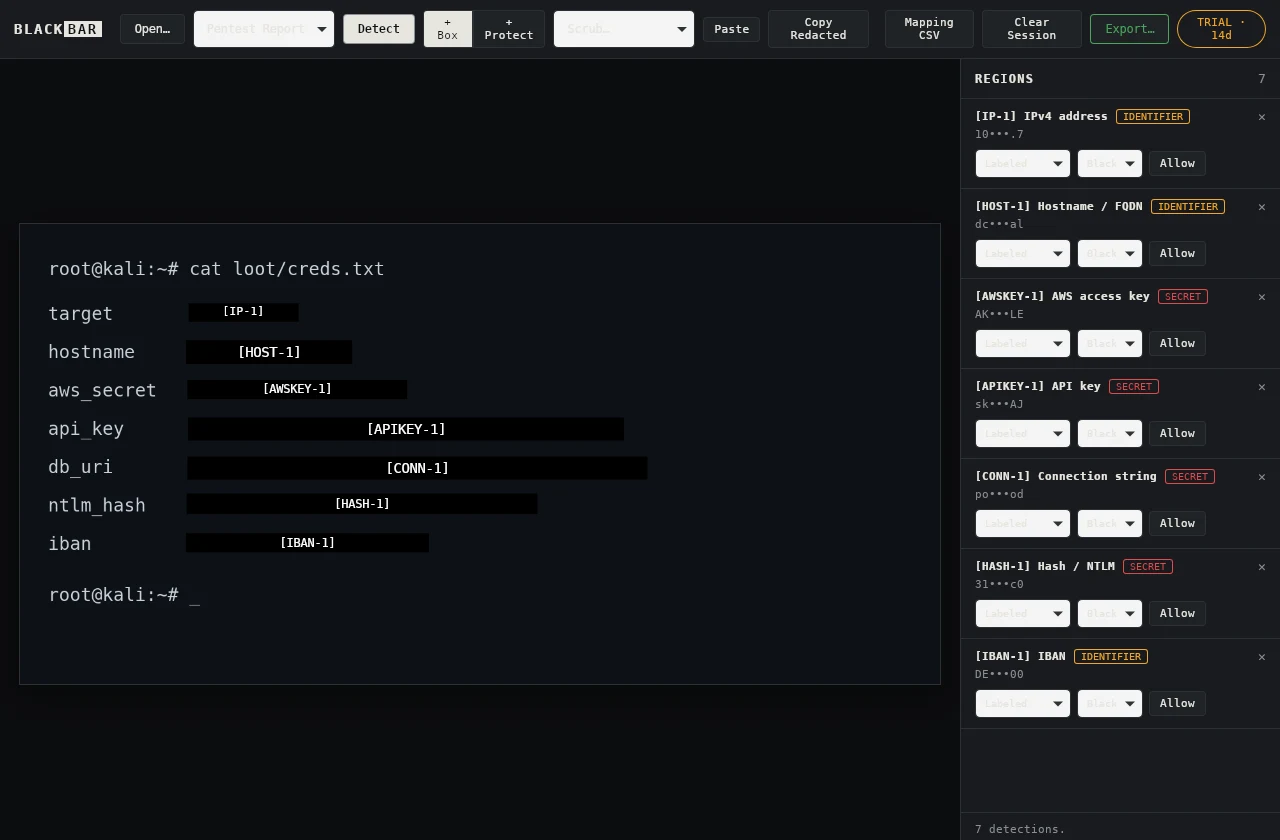
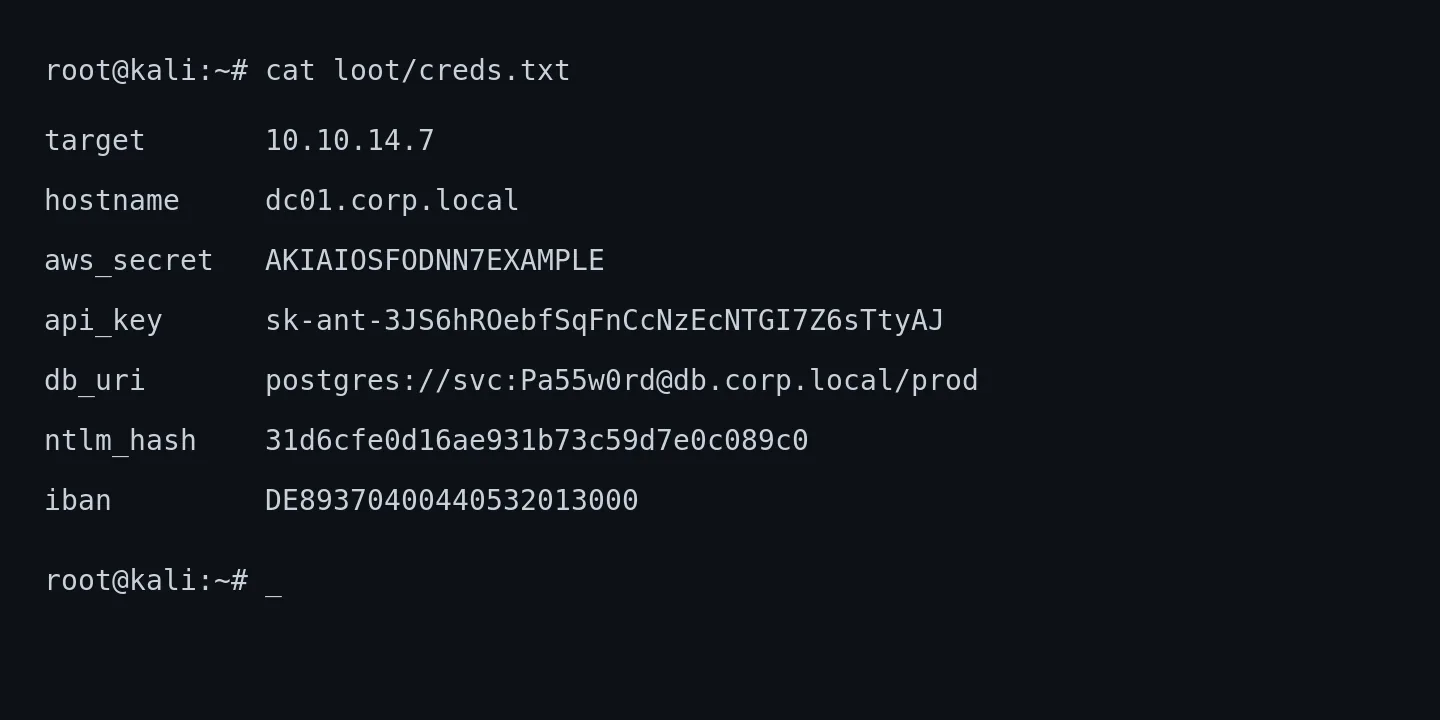

- Built-in capture: Ctrl+Shift+2 grabs a screen region straight into the editor (via grim, spectacle, gnome-screenshot, flameshot, maim or scrot) — the shot uses a temporary local file that is removed after capture or a handled error.
- The AppImage bundles its OCR models and fonts — it opens no sockets and needs no runtime downloads.
- Exports overwrite pixels in a fresh opaque bitmap and strip all EXIF/XMP/metadata — the original is unrecoverable.
- Blur and pixelate are flagged reversible and never applied to a secret without an explicit confirmation.
- Same 27 detectors, redaction engine and session pseudonyms as the macOS app — verified against one shared test corpus.
- One offline Ed25519 license activates Linux, macOS and Windows — the same emailed code.
AppImage or .deb.
The AppImage is a single self-contained file — download, mark executable, run. Nothing to install; works on any modern distribution, x86_64 or ARM64.
# AppImage — any distro
chmod +x Blackbar_1.1.2_amd64.AppImage
./Blackbar_1.1.2_amd64.AppImage

# Debian / Ubuntu 22.04+
sudo apt install ./Blackbar_1.1.2_amd64.deb

# ARM64
chmod +x Blackbar_1.1.2_aarch64.AppImage
sudo apt install ./Blackbar_1.1.2_arm64.deb
Every release ships a SHA-256 manifest and a GPG signature. Confirm your download is intact and really came from us.
# fetch the manifest, signature and key
curl -O https://dl.getblackbar.com/SHASUMS256.txt
curl -O https://dl.getblackbar.com/SHASUMS256.txt.asc
curl -O https://dl.getblackbar.com/blackbar-signing-key.asc

# check the hash, then the signature
shasum -a 256 -c SHASUMS256.txt
gpg --import blackbar-signing-key.asc
gpg --verify SHASUMS256.txt.asc SHASUMS256.txt
Signing key fingerprint 7ABA D5C3 DC9D A715 8635 459C EDAA EF2F C716 4A46 · full details on the Security & Privacy page.